Video Tutorials

Learn how to use Fabrement with your AI agent, step by step: connecting Claude, ChatGPT, Codex or Cursor, building blocks and pages, and running a WordPress site without opening the admin.

Tutorials

Learn the plugin in minutes
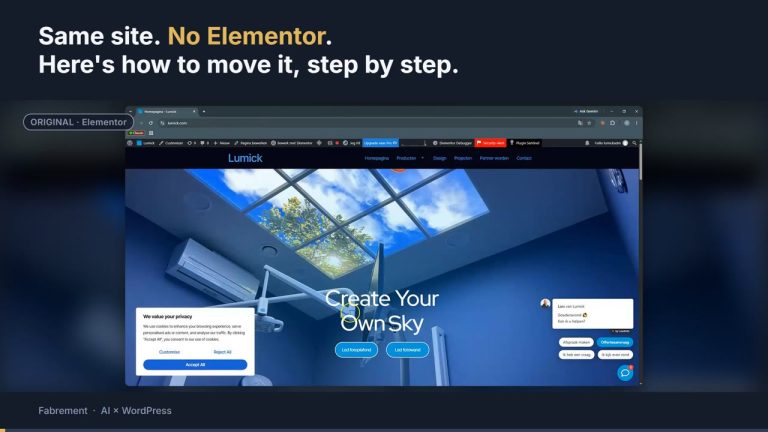
Elementor to Gutenberg: 20 Pages in 10 Hours with Claude AI

Elementor to Gutenberg: 20 Pages in 10 Hours with Claude AI

Claude Design to WordPress in Under 2 Hours

Claude Design to WordPress in Under 2 Hours

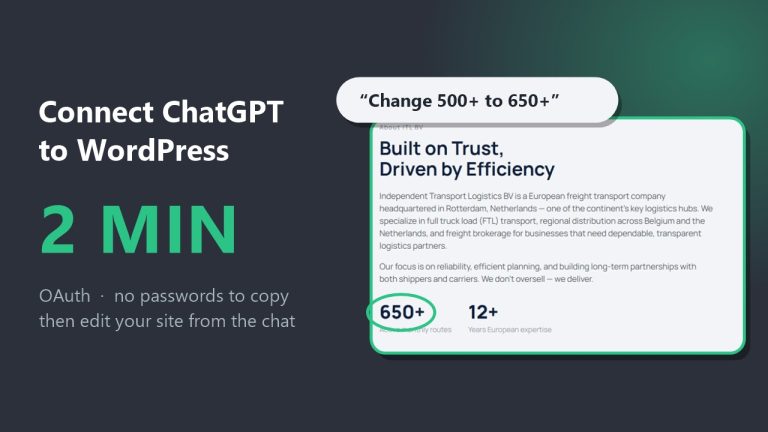
Connect ChatGPT to WordPress in 2 Minutes

Connect ChatGPT to WordPress in 2 Minutes

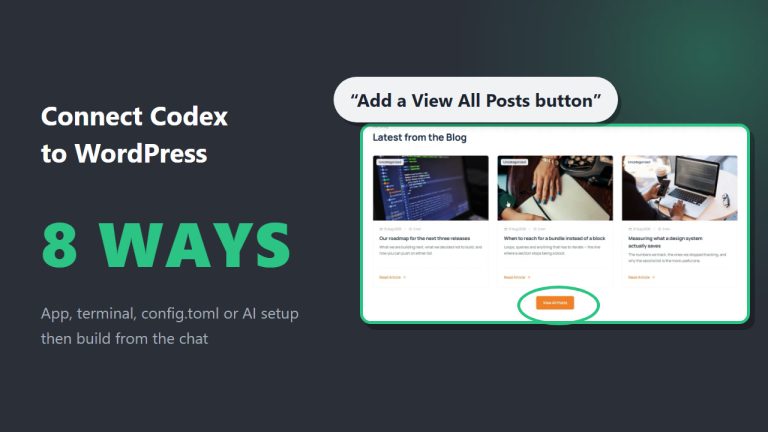
Connect Codex to WordPress: 8 Ways

Connect Codex to WordPress: 8 Ways

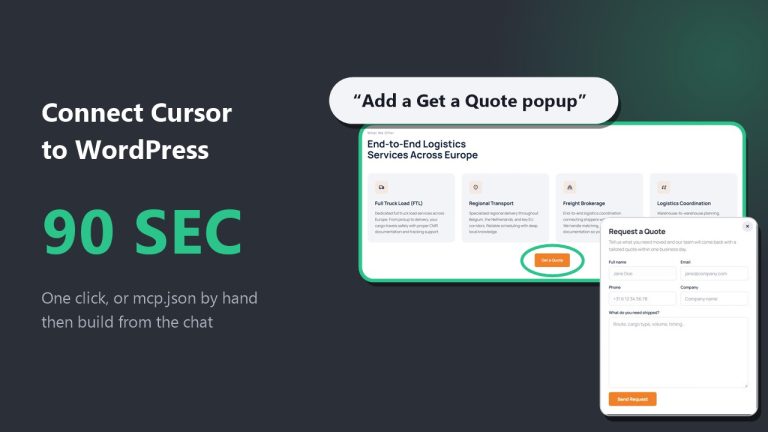
Connect Cursor to WordPress in 90 Seconds

Connect Cursor to WordPress in 90 Seconds

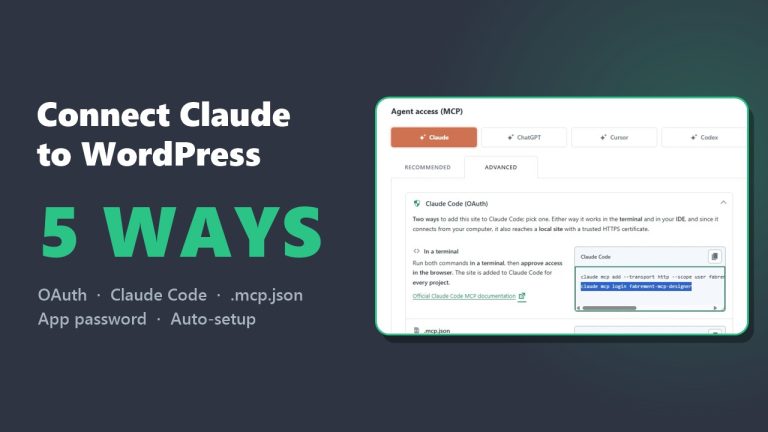
How to Connect Claude to WordPress: 5 Ways

How to Connect Claude to WordPress: 5 Ways

Tabs With Image Sliders, Built by an AI Agent

Tabs With Image Sliders, Built by an AI Agent

Lead Capture Popup From One Prompt

Lead Capture Popup From One Prompt

Figma to WordPress Without Opening wp-admin

Figma to WordPress Without Opening wp-admin

Screenshot to Slider Block

Screenshot to Slider Block

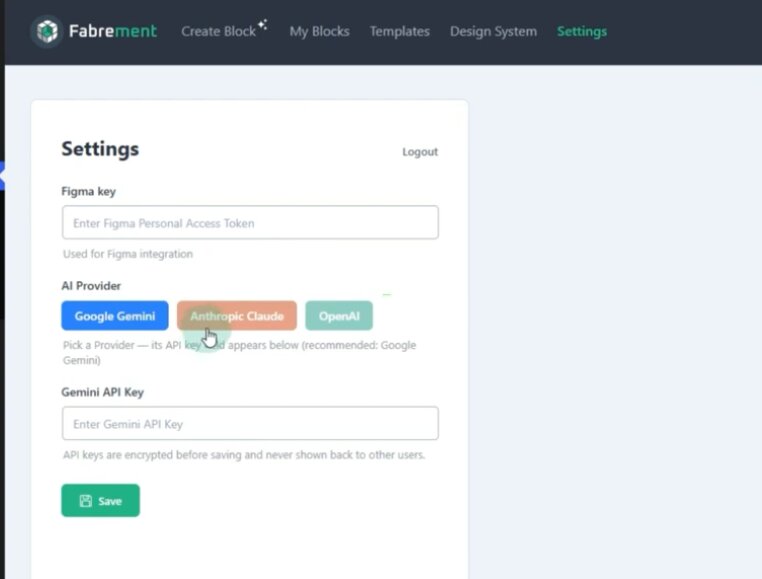
Plugin Setup Guide

Plugin Setup Guide

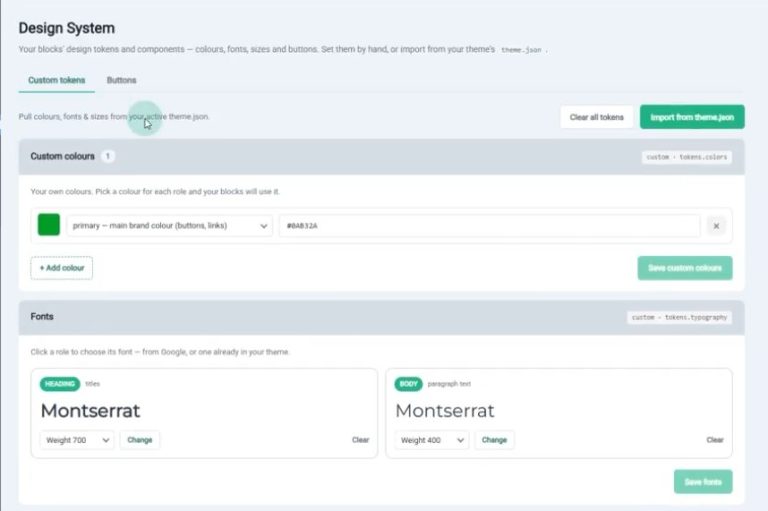
Your Design System for WordPress

Your Design System for WordPress

Create Gutenberg Blocks from Text & Screenshots

Create Gutenberg Blocks from Text & Screenshots

WordPress Page from Figma in 10 Minutes

WordPress Page from Figma in 10 Minutes

Build WordPress Headers & Footers with Fabrement

Build WordPress Headers & Footers with Fabrement

Meet the First AI Agent for WordPress Custom Coding

Meet the First AI Agent for WordPress Custom Coding

Build and maintain custom WordPress themes with your AI agent

Install the free plugin in a minute and connect the AI you already use: ChatGPT, Claude, Codex or Cursor. No credits to buy, no new subscription.

NO CREDIT CARD · WORKS WITH EXISTING SITES · YOUR OWN AI AGENT