A Doctor’s WordPress Site from One Image and His Own Facebook and Instagram, in Under 2 Hours
Dr Pshenychnyy is an osteopath and massage therapist in Varna, Bulgaria. He needed a website, and all he had was one image of a home page and his Instagram and Facebook pages. Everything else, the inner pages, the services, the blog and the contacts, had to be designed and built from there.
One image, two links, three steps.
What the doctor gave us, and how it became his website.
-
1
Give Claude Code the material
One image of the home page and the links to the doctor’s Facebook and Instagram. Nothing else.
-
2
Within an hour, a working prototype
Claude builds every page from it: the services, the blog and the reviews taken from his posts, and a booking window with his messengers.
-
3
Changes in plain words
The doctor asks for changes, and the prototype becomes his website. From the first message to the finished site took under two hours.
At a glance
| Site | drpshenychnyy.com |
|---|---|
| Before | One home page image (1312 × 1199 px) and the doctor’s social media pages. No inner pages, no content, no site |
| Built with | Custom native Gutenberg blocks on one design system, created from the image: colours, Lora and Montserrat fonts, button style |
| Pages | Home, About, Services (archive and 8 service pages), Blog (6 articles in 5 categories), Reviews, Contacts, Search, 404 |
| Custom blocks | 13, including a header with a wave-shaped cut-out and an animated mobile menu |
| Content model | Post types for services and reviews with their own fields, and one options page for phones, messengers, address, map and price |
| Content | Service texts and blog articles written from the doctor’s own social media posts; patient reviews taken from his Facebook page |
| Booking | A booking window with WhatsApp, Telegram and Viber that opens from any “Book” button; on phones it slides up from the bottom |
| Speed | Mobile layout shift in Google PageSpeed cut from 0.207 to about 0.02; the accessibility check passes |
| Language | Russian only |
| Time | About 1 hour 45 minutes from the first message to a finished multi-page site, including about 10 change requests from the doctor |
| Agent | Claude Code connected over MCP, with one agent per section working in parallel |
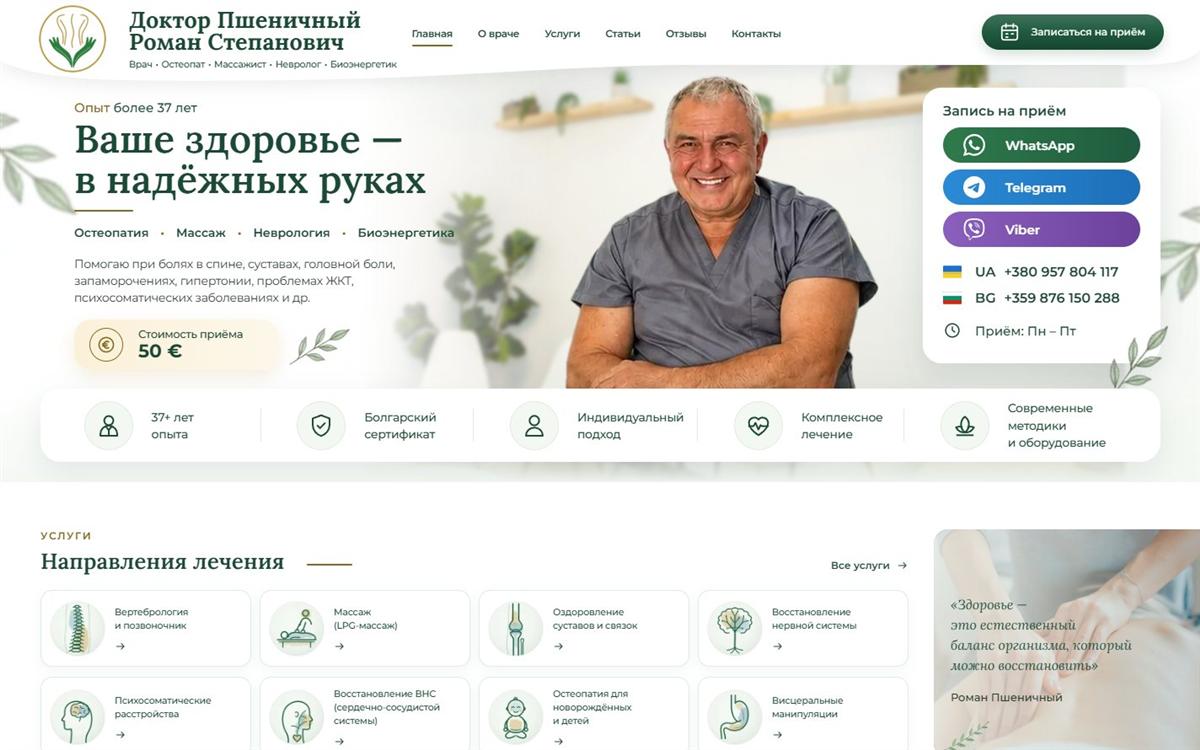
The brief: one image and one sentence
The brief was short: build this site one to one, in Russian only, and check it carefully. The image showed the home page. There was no design for any other page, no texts and no photo library, only the doctor’s posts on social media.
Content first, design second
Before writing any code, the agent looked at the empty site and decided what is content and what is design. Services and reviews became their own post types, so the doctor adds a new service in wp-admin without touching the layout. Phones, messengers and the address live on one options page and appear in the header, the footer, the contacts page and the booking window from that single place. Five minutes in, the colours, fonts and buttons from the image were saved as one design system, so pages that never existed in the design still look like the home page.
One agent per section
The image was cut into six sections: header, hero, services, reviews, the location map and the footer. Each one got its own agent with a shared brief: the rules, the design tokens and the content model. The agents built their blocks in parallel. Each then opened its section in a browser, put it next to its crop of the design, and fixed the differences at desktop and mobile widths until they matched. Sixteen minutes in, the header and footer were shared patterns, the site template was built and the home page was live.
The pages nobody designed
For About, Services, Blog, Reviews and Contacts, a separate design agent first wrote a page spec: which sections, in what order, and which existing blocks to reuse. Only then were the pages built. Most of them reuse the home page blocks. New blocks were made only where a page needed one: a page hero, an FAQ, a reviews grid, contact cards, text with an image, a booking band and a contact form section.
Timeline
| Time | What happened |
|---|---|
| 0:00 | The agent reads the empty site: settings, post types, templates, blocks and media |
| 0:01 | Content model: Service and Review post types with their fields, and a Doctor contacts options page |
| 0:05 | Design system from the image: colours, fonts and the button style |
| 0:08 | Six section blocks started in parallel, one agent per section |
| 0:16 | Header and footer as shared patterns, the site template built, the home page published |
| 0:16 to 1:15 | Each section compared with the design at desktop and mobile widths and fixed; the owner’s change requests went in during this time |
| 0:40 | Inner pages: About, the services archive and single service, the blog, reviews, and contacts with a form |
| 1:10 | Speed and accessibility: mobile layout shift fixed, contrast and heading order corrected |
| 1:45 | The search page and the 404 page done |
About 10 changes from the doctor, each in minutes
The owner reviewed the site while it was being built and asked for changes in plain words. A few of them:
- “The map shouldn’t be full width.” Now only the band is full width, and the map stays centred.
- “On mobile, make the booking window a full-width drawer from the bottom.”
- “The images on the About page are low quality.” They were replaced with high-resolution ones.
- “The active menu item isn’t highlighted on an article page.” Fixed for articles, categories and service pages.
- “Search with an empty query should show everything, and pages should be left out.”
How the doctor edits it now
Every section is a Gutenberg block with its own fields, so texts, images and links are changed in the normal WordPress editor. Menus are regular WordPress menus. The contact form is Contact Form 7, and its scripts load only on the contacts page. A new service or review is a new record in wp-admin, and anything bigger can be asked of the agent over the same MCP connection.
Do it yourself
Hand this to your AI first: fabrement.com/AGENTS.md. One link, and your agent knows what Fabrement can do on your site and how to connect to it.
How Claude builds a whole site like this one, from the material you already have, is on the build a website with Claude page. Connecting your own agent is in the WordPress MCP server guides. Two other sites built from a design are in the Cowboy Productions case study, from a Lovable design, and the Lumick case study, from an existing Elementor site.
Shown with the permission of Dr Pshenychnyy.
Related articles
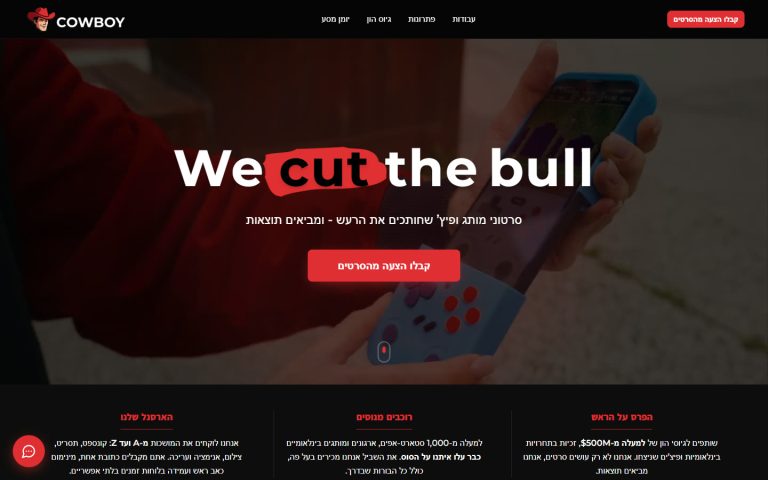
Cowboy Productions: From a Lovable Design to WordPress in 12 Hours
Cowboy Productions had an Elementor site and a new design made in Lovable. In 12 hours it became a WordPress site built…
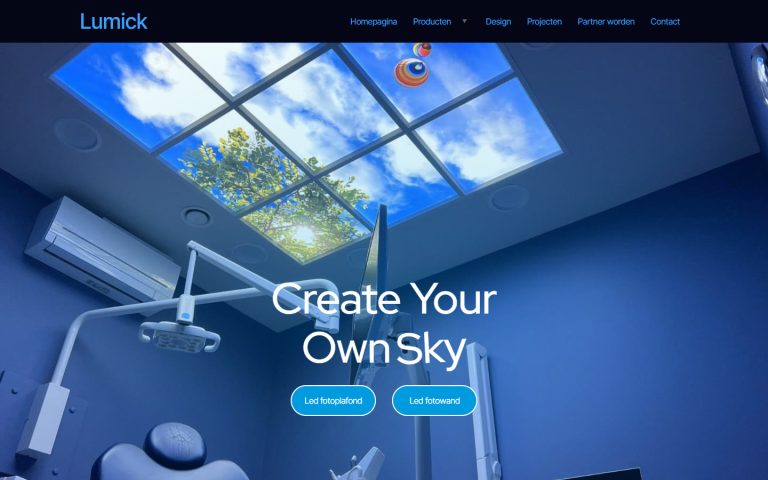
Lumick: From Elementor to Native Gutenberg Blocks, Same Design and SEO
Lumick's Elementor site with 21 plugins was rebuilt as native Gutenberg blocks with Claude over MCP: 19 pages on the same addresses,…

Running WordPress From Your Coding Agent: What MCP Actually Changes
The Model Context Protocol lets a coding agent operate WordPress directly instead of writing code you copy and paste. Here is what…