How to Move a Lovable Site to WordPress
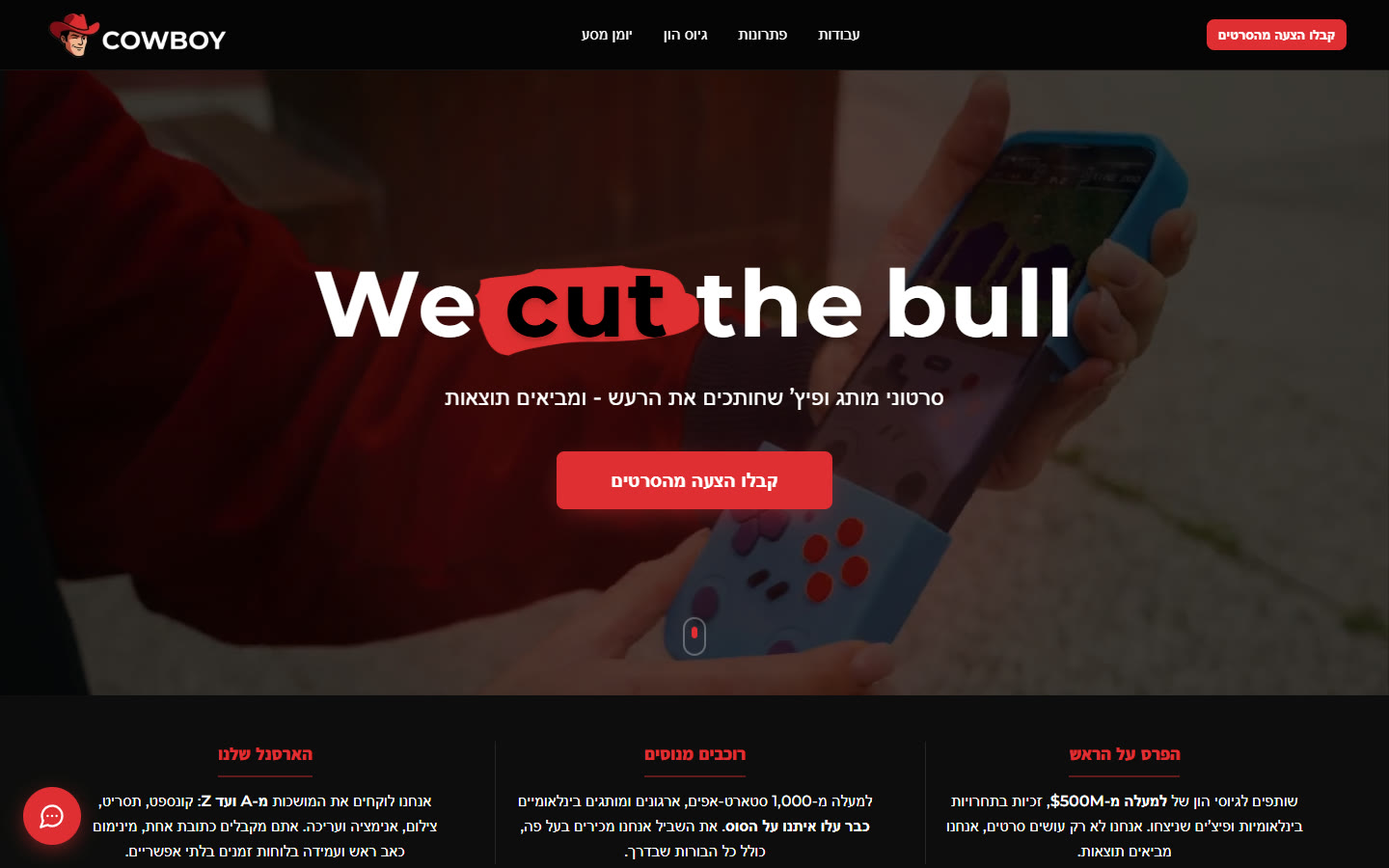
Lovable is quick at turning an idea into a working design. But a business site needs more than screens: a blog, content the team can edit, and a search history that keeps bringing visitors. This guide shows how your AI agent, connected to WordPress through Fabrement, rebuilds a Lovable design as native Gutenberg blocks. It follows a real job: Cowboy Productions, an Elementor site with a new Lovable design, moved to WordPress in 12 hours of work with its pages, posts and SEO kept.
Key takeaways
- There is no one-click Lovable to WordPress converter. Your AI agent rebuilds the design as native Gutenberg blocks with editable fields, on one design system.
- Code gives the best result. Lovable syncs every project to GitHub, and the agent works from its components and styles. Screenshots or a list of page links work too.
- On a site that already exists, map the old pages and their SEO first, so addresses, titles and descriptions survive the switch.
- The pages and the design come over. The app behind them stays behind: Lovable Cloud databases, sign-in and payments are not converted.
- After the move, you run the site by asking your AI agent over the same MCP connection: content, pages, SEO and new sections.
Hand this to your AI first: fabrement.com/AGENTS.md. One link, and your agent knows what Fabrement can do on your site and how to connect to it.
Requirements
| What | Needed |
|---|---|
| WordPress | A site you administer, WordPress 6.9 or newer with HTTPS, and Fabrement installed and signed in. It can be your existing site or a fresh install. |
| PHP | PHP 8.0 or newer for the plugin. Use 8.2 or newer: older branches no longer get security fixes. |
| AI agent | Claude, ChatGPT, Codex or Cursor, connected to the site over MCP. Step by step: Claude, ChatGPT, Codex, Cursor. |
| The Lovable code | The project synced to GitHub (available on every Lovable plan) or downloaded as a .zip (paid plans). |
| AI plan | Enough usage for a long session. A whole site is several hours of agent work. |
The steps
1. Get the code out of Lovable
Connect the Lovable project to GitHub, or download it as a .zip on a paid plan. Code gives the best result: the agent reads the real components, colours, spacing and type instead of estimating them from pixels. On the Cowboy Productions job the design came over as a GitHub repository, and the agent worked from its components and styles. No access to the code? Screenshots or links work too: give the agent a list of links to your Lovable pages, and it converts them one by one.
2. Map the old site first, if there is one
If the new design replaces a site that already has traffic, ask the agent to map it before anything is built: every page and post with its address, SEO title and description, from the site’s Yoast sitemaps. Repeating content, such as projects, team members or case studies, should become its own post type. On Cowboy Productions that meant 16 pages, 34 blog posts and 77 projects, all kept with their addresses and titles.
3. Give the agent the code and the request
Share the repository or the .zip in a new session with your connected agent. An example request:
This repository is a Lovable project: [repository link].

Rebuild its design on this WordPress site as native Fabrement blocks: a design system from the project's colours, fonts and buttons, one header and footer, and a block for each section with fields the team can edit.

The existing pages and posts keep their content, addresses and SEO titles. Turn [repeating content, such as projects] into a post type with its archive.

Resolve ambiguities yourself and log each decision. Keep new pages as drafts. Check every page on desktop and mobile against the Lovable preview, and finish with a report: what you built, your decisions, and what could not be carried over and why.
4. Check the details the prototype hides
Most of the time goes into checking, not building. Compare each section with the design and fix what an agent can miss: a font, a spacing, an animation. Two Lovable-specific traps from the Cowboy Productions job: animations don’t run in a background browser tab, so elements sit 20 to 30 px away from where they end up and a measurement taken there is wrong; and a hover effect declared in the code may not be the one the prototype actually shows. Measure from the final position, and copy the behaviour you see, not the one the code claims.
5. Review, switch and publish
Read the agent’s report first: it lists every decision it made and every gap. Check the drafts on desktop and mobile, compare the content with the live site, then publish. Every section stays editable in the WordPress editor, and the team can keep changing the site by asking the agent.
After the move: run the site with your AI agent
Once the move is done, the same MCP connection keeps working. You manage the site by asking your AI agent in plain language: pages built from the blocks you already have, posts and projects, texts and images, menus, SEO titles and descriptions, redirects, and new sections from a screenshot. New pages wait as drafts, and every block change can be rolled back. Cowboy Productions runs its site this way: a new project or a changed headline is one request, and the team can still edit the same blocks in the WordPress admin whenever they prefer.
Fabrement: the workplace for your AI agent
A free plugin for WordPress 6.9 or newer. Once your AI is connected, your agent can do all of this on your site.
What comes over, and what stays in Lovable
The design comes over as a custom WordPress theme: a header, a footer and a native Gutenberg block for every section, with real fields, on one design system. Content becomes WordPress pages, posts and post types the team edits in the block editor. What stays behind is the app: databases, sign-in and storage on Lovable Cloud, and payments, are not converted. WordPress plugins or a separate service cover what a website needs. How the two tools compare in general is on Lovable vs Fabrement.
Exports from other tools work the same way: HTML to WordPress covers Bolt, v0 and static sites, and Claude Design to WordPress shows a full build with the prompt.
Frequently asked questions
Is there a Lovable to WordPress converter?
Can I do it for free?
Can the Lovable design go into Elementor instead?
Will my existing site lose its search rankings?
How long does it take?
Sources
Lovable facts (GitHub sync on all plans, .zip download on paid plans, Lovable Cloud) from Lovable’s own documentation, as checked for our Lovable comparison on 15 October 2026. Fabrement steps from our own AGENTS.md (plugin version 1.5.0). The example job is our Cowboy Productions case study, shown with the client’s permission. Checked on 22 October 2026. If a step has changed, tell us and we will correct it.
Related articles
How to Turn a Claude Design Export into a WordPress Site
Turn a Claude Design project into a WordPress site of native Gutenberg blocks with Claude Code: the export, the prompt we used,…
How to Convert Figma to Gutenberg Blocks with an AI Agent
Turn a Figma frame into native Gutenberg blocks on your WordPress site with an AI agent: the token, the frame, the request,…

Code Got Automated. Taste Didn’t.
For the last ten years I’ve worked on both sides of the screen, designing interfaces and building them. I always believed you…