7Fridays: A Full Agency Website from a Figma Design, with One Prompt
7Fridays is the engineering studio behind Fabrement. We build booking platforms, custom systems and WordPress sites for clients. Our own website had run on Gatsby for four years, with WordPress only as its admin. This is how it became a WordPress site again: from a Figma design, through one prompt to Claude, to a site the team now changes by asking the same agent.
At a glance
| Site | 7fridays.net |
|---|---|
| Before | A static Gatsby site with WordPress as its admin, for four years |
| Design | About 60 hours: Claude Design drafted the first version, Claude extended it to every page, Oleg designed and polished it in Figma |
| New design | Made in Figma, desktop frames only (1440 px) |
| Built with | One prompt to Claude, with Fabrement and the official Figma MCP connected |
| Build time | 1 hour 13 minutes for the conversion, then about 5 hours of fixes |
| Whole project | About three weeks from the brief to launch: the design and the build, then one week to polish the content on the new design |
| What was built | 6 service pages, 4 main pages, blog and case study templates, 35 custom Gutenberg blocks, 3 contact forms, a self-hosted font |
| Carried over | 20 blog posts with their original dates and 10 case studies from the old site |
| Launched | 9 November 2026 |
| Run by | The 7Fridays team, through Claude connected over MCP |
“I expected a pretty standard website, especially in such a short time, two weeks. But it really is Oleg’s best work. Wow. I love it.”
Max Verentsov, CTO, 7Fridays
Why we left Gatsby
The Gatsby site was fast, and it scored 100 in Lighthouse. Running it was slow. Every small edit waited for a build, the preview often failed, and the forms, the SEO output and the editor experience were all rebuilt by hand around WordPress. When Gatsby itself stopped being developed, moving to another framework would not have fixed any of that: the stack was simply more complex than a marketing site needs.
The design: AI drafts, a designer decides
The design did not come from a single AI prompt. It started with a brief from Max, the studio’s CTO. Claude Design turned the brief into a first version of the site in plain HTML in about two hours, the same start as in our guide Claude Design to WordPress. Oleg rebuilt the home page from it in Figma, with auto layout and components; it was his first project built with auto layout. Claude then extended that home page into the full set of pages in about an hour, and Oleg polished them. That last step mattered most: the first full version did not hang together and looked inconsistent, and the polishing is what turned it into one design. In all, the design took about 60 hours of work, almost all of it Oleg’s. Only the desktop version was designed, at 1440 pixels. There were no mobile or tablet frames.
The Figma file was prepared for the agent on purpose: auto layout throughout, components for repeated elements, clear layer names and the assets exported in advance. These are the same rules as in our answer on how the Figma file should be built.
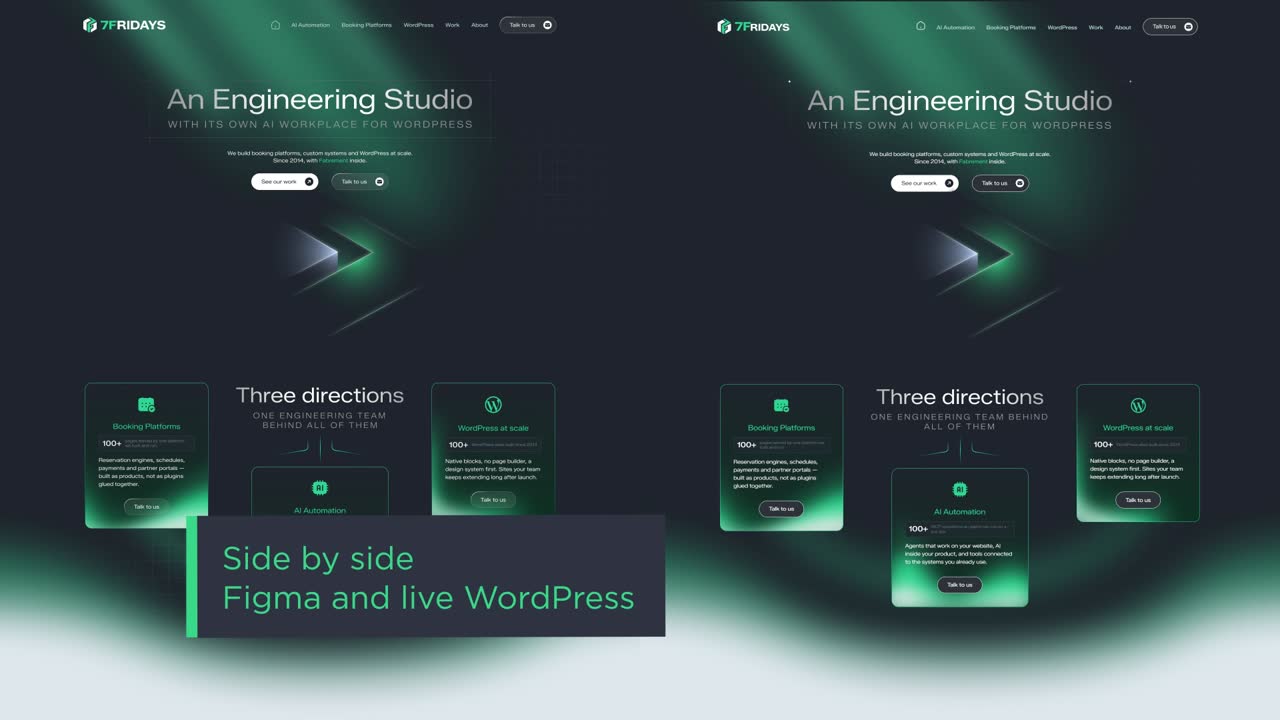
One prompt, 1 hour 13 minutes
The build started from an empty WordPress with its default theme and the free Fabrement plugin. Claude got one prompt: build the site from this Figma design, using the Fabrement connection to the site and the official Figma MCP, and work on its own, with no questions and no plan approval. The prompt also told it to read Fabrement’s rules before each kind of change, to reuse what already exists, and that the design had no mobile frames. Before the start, Oleg allowed every tool in the connection and answered the agent’s questions up front, so it could run on its own from start to end.
The clock in the video runs for 1 hour 13 minutes. By launch, the site had ten kinds of page, from the home page and the service pages to the blog, a blog post template and a case study template, each made of custom native Gutenberg blocks. The design system came first, so every block uses the same colours, fonts and buttons.
The mobile version was the agent’s own work. Nobody drew it: it adapted each desktop section for phones and tablets, and that was then checked on real screen sizes.
Five hours of fixes
The conversion was not the whole job. About 5 more hours went into fixes before launch: comparing each page with the design and correcting what the agent got wrong or missed.
What Oleg would do differently next time: give the agent a short description of the design along with the file, such as the order of the section colours, how particular elements are meant to be used, and the parts that are not obvious from the frames. The file shows what the design looks like; a few lines of text tell the agent why.
The content came along
Oleg built the site, and Max took over from there and filled in the rest. The old content was not written again. All 20 blog posts moved to the new site with their original publication dates, the oldest from October 2022, and 10 case studies from the old site came with them. They were saved one by one, about four seconds apart, in roughly two minutes. Four of the old case studies have since been rewritten through the agent, each around one search phrase.
The old addresses were mapped too. At launch, the agent added 11 redirects from the old site’s addresses to the closest new pages, for example the old booking system page to Booking Platforms and the old About page to the new one. In the first three days they sent more than 200 visitors from old links to the right pages. Blog posts kept their own addresses, so their links never broke.
How we run it now
Hand this to your AI first: fabrement.com/AGENTS.md. One link, and your agent knows what Fabrement can do on your site and how to connect to it.
Since launch, changes to the site are requests to Claude, connected to it over MCP. Max does not open wp-admin even for a text change. In the first two days after launch, five new case studies went up this way, and Max keeps reworking pages, moving sections and rearranging content. Two requests show what that looks like.
“What about Clutch and Google reviews? Can we connect them to the website somehow? Maybe on the About page?” The agent first found why AI search tools said the studio had no reviews: nothing on the site linked to its Clutch profile (4.9 from 10 reviews) or its Google listing (5.0). It added both to the company’s structured data, built a reviews section on the About page with a link to each, and added the reviews to the site’s llms.txt for AI tools. Then came two follow-ups. “Move it into the dark area” moved the section next to the studio’s numbers. “Add the wave instead of this” needed a new option in the block’s code, a curved bottom edge; the agent added it, kept it off on every other page that uses the block, and checked it on desktop and mobile. About 10 minutes for the first request, a few minutes for each follow-up.
“Let’s build a case study for the Shopify project.” Max gave the agent the client’s store, three documents with four years of past tasks and the client’s Google review. The agent read the live store and the documents, asked him five questions, checked which search phrase to aim for, and then wrote and published the case study, with its own screenshot, FAQ structured data and an entry in llms.txt. It also left the hourly rate from the documents off the page. Under an hour of the agent’s work, most of it spent waiting for Max’s answers.
Build a site like this
Starting from a design file? See Figma to WordPress, or follow the step-by-step guide How to Convert Figma to Gutenberg Blocks with an AI Agent. How the agent builds a site from blocks on one design system is on how Fabrement builds a WordPress site.
Designed and built by Oleg from the 7Fridays team with Fabrement.
Related articles
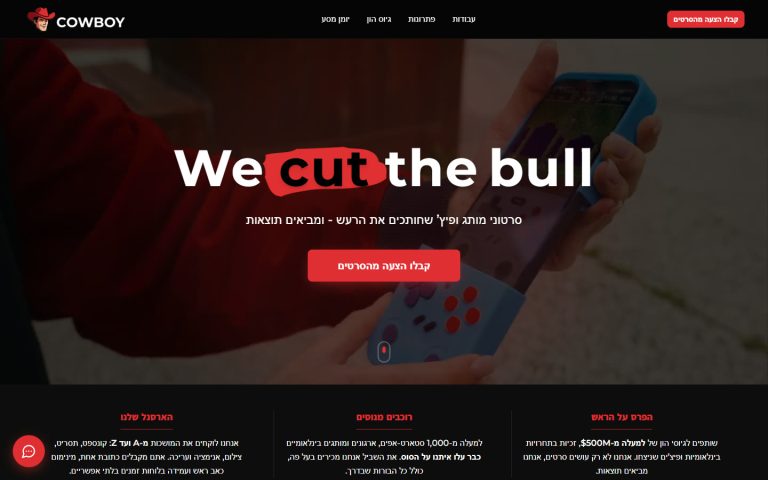
Cowboy Productions: From a Lovable Design to WordPress in 12 Hours
Cowboy Productions had an Elementor site and a new design made in Lovable. In 12 hours it became a WordPress site built…
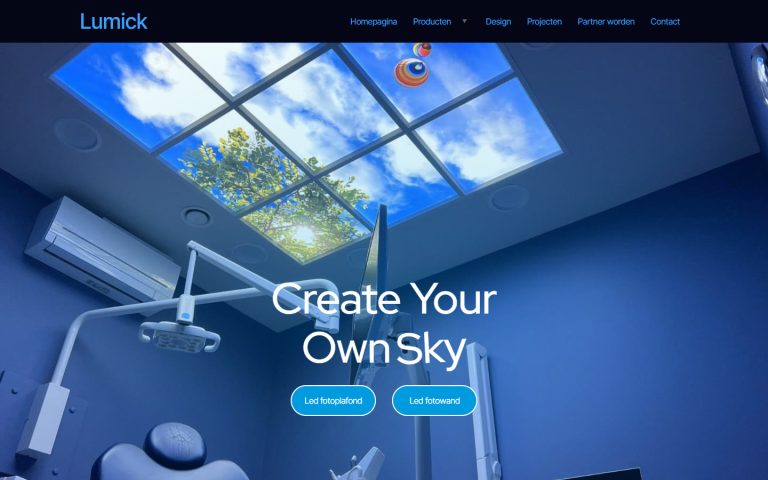
Lumick: From Elementor to Native Gutenberg Blocks, Same Design and SEO
Lumick's Elementor site with 21 plugins was rebuilt as native Gutenberg blocks with Claude over MCP: 19 pages on the same addresses,…

Code Got Automated. Taste Didn’t.
For the last ten years I’ve worked on both sides of the screen, designing interfaces and building them. I always believed you…